

Reporting an insight is only half the battle; the real victory is in the execution. While traditional automation tools are great for static, linear tasks, they usually lack the brain to interpret the data they are moving. Quick Flows changes the game by letting you build workflows that don't just move data, but think about it first.
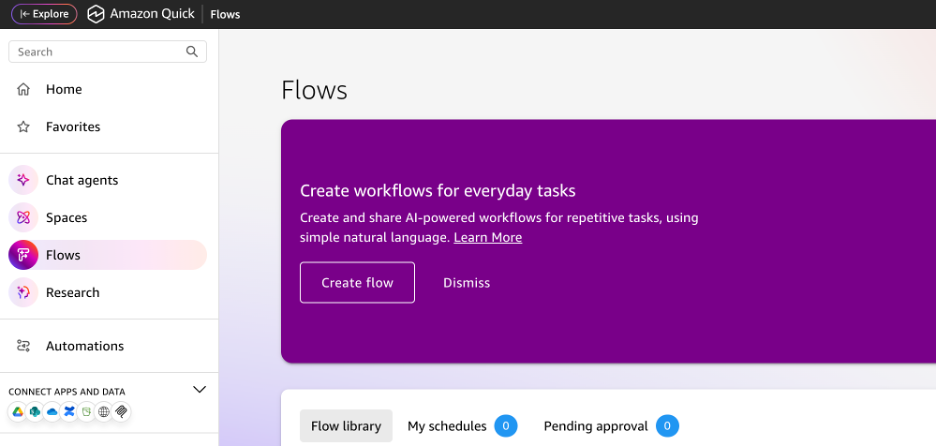
The secret sauce of Quick Flows is the ability to embed agentic AI capabilities directly into a step. This moves the needle from simple automation to a system that can autonomously navigate complex tasks. Instead of basic "If X, then Y" logic, you can chain together multiple decision points where each step evaluates, summarizes, or acts on the previous one before moving forward. In Quick Flows, these logic chains are known as reasoning groups.
On top of that, it is entirely codeless. You aren't writing functions or managing API headers. Instead, you are describing the goal in natural language and letting the agentic features handle the heavy lifting.
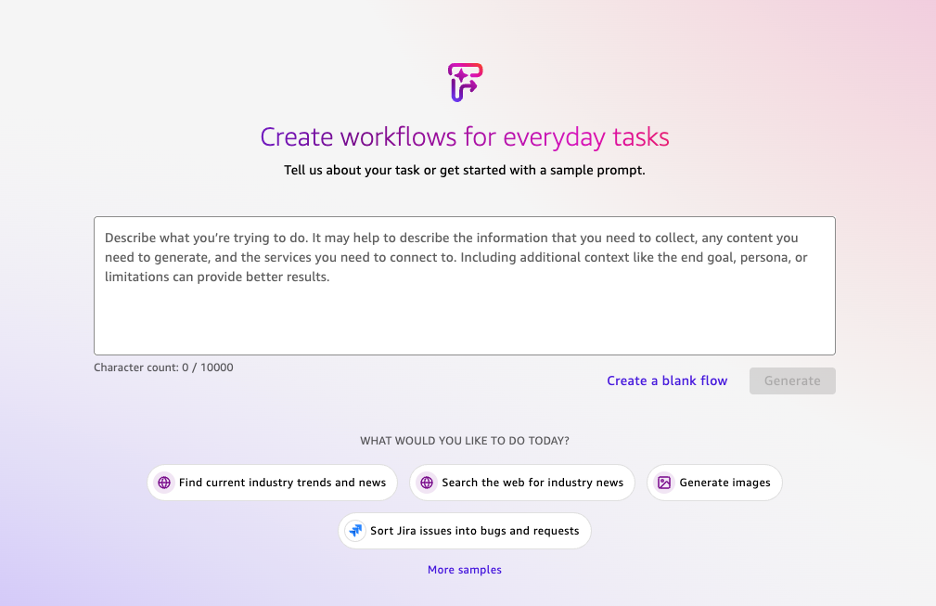
To help imagine this, here are a few examples that highlight use-cases best suited for Quick Flows. And on the flip side, some that would better fit other automation tools:
Since Quick Flows live inside the Quick ecosystem, they have direct access to your Quick Index (your company’s internal knowledge base) and your Quick Sight data.
As an example, imagine you set a weekly schedule in Quick Flows to monitor a specific Quick Sight KPI, such as Gross Margin. If the margin drops below your 15% threshold, the Flow doesn't just send an alert; it triggers an Agent to perform an investigation. The Agent can automatically scan your recent shipping data alongside your SOP PDF stored in your Space to identify a possible cause.
The Flow then posts a summary to the team in Slack, something along the lines of:
"Margin is down to 14.2%. I analyzed the recent shipping data and our SOP; a primary pattern impacting margin is related to the West Coast distribution dimension, where shipping costs are contradicting our standard carrier contract".
While a traditional tool merely reports that the number is low, Quick Flows uses your internal documents to provide an educated guess on why it happened.
Instead of manually transcribing data from messy, unstructured files, a user can initiate a Flow by uploading one or more documents, such as invoices, inspections, or user input forms. The Flow utilizes the UI Agent to parse the visual layout, and the Chat Agent to interpret the technical text against your internal standards. The Agent extracts specific variables (e.g., line item totals or customer feedback), presents a Human-in-the-Loop summary for your quick approval, and then can push that validated data directly into a dataset within your Space.
This creates a closed-loop system where unstructured manual work is converted into structured data for a Quick Sight dashboard in minutes. While traditional text recognition tools can read text, Quick Flows can use agentic features to understand it. The Agent can flag a value that contradicts your internal SOPs before it ever hits your reporting.
Sometimes, the best tool for the job is the one already baked into your OS or productivity suite. For instance, if you are building an automation where a user inputs their PTO dates into a form and you need those dates to instantly populate blockers/events on their personal Outlook calendar and a shared Team calendar, Microsoft Power Automate (or a similar ecosystem-native tool) is likely the superior choice.
Why? These tools have deep, native hooks into the Microsoft/Google Graph APIs that are optimized for high-frequency, low-logic administrative tasks. Setting a calendar invite doesn't require reasoning; it requires a stable connection to a specific mailbox.
This highlights one of the main limitations of Quick Flows, the lack of trigger options. Tools like Power Automate have an almost endless list of trigger events based on countless connections. Quick Flows on the other hand, can currently only be triggered via a scheduled routine (ex: every day at 5pm), or manually initiated. The ability to run based on a specific event happening or a webhook is not an option currently.
The transition to Quick Flows represents a shift in how we view automation. By moving beyond rigid, linear tasks and embracing reasoning groups, you are allowing a first pass at insights to be taken behind the scenes. This ensures that your workflows do more than just move data; they could provide a layer of strategy that was previously missing from traditional tools.
When you need a workflow that understands the meaning behind the data, that’s when you move into Quick Flows. To see more real-world use cases of these agentic features in action, stay tuned for the next entry in our series as we continue to explore the Amazon Quick ecosystem.

Not sure on your next step? We'd love to hear about your business challenges. No pitch. No strings attached.


